Slack integration
The Slack integration lets you interact with Adapt right where your team already works.

Setup

1

Start installation

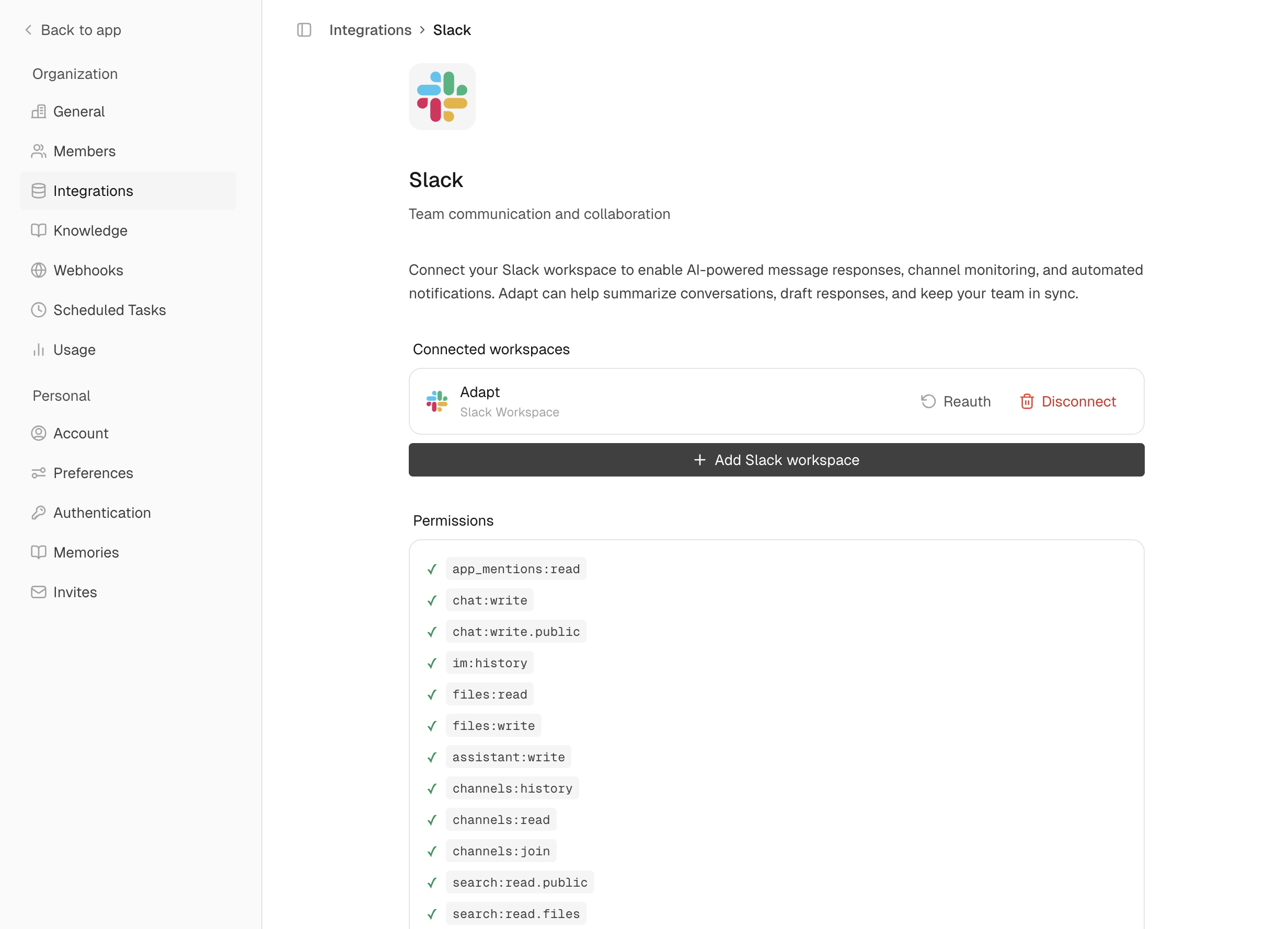
Go to Settings > Integrations > Slack and click Connect
2

Authorize

Review permissions and click Allow to add Adapt to your workspace
3

Invite to channels

Type /invite @Adapt in any channel to enable mentions

Permissions

PermissionWhy It’s Needed
Read messagesTo understand questions and context
Send messagesTo respond to your questions
Access filesTo analyze uploaded spreadsheets and documents
Search messagesTo find relevant conversations when asked

Capabilities

Adapt can chat directly in Slack. Send messages, search conversations, and get answers without leaving your workspace.

Chat Directly in Slack

This is the only integration where you can have a full conversation with Adapt without opening the web app:
  • Direct messages to @Adapt for private questions
  • Channel mentions to share insights with your team
  • Thread replies to maintain context in discussions

Examples

Ask questions in Slack:
@Adapt What's our current MRR from Stripe?
Analyze files:
@Adapt Analyze this spreadsheet [attach file]
Search conversations:
Search Slack for discussions about the new feature launch
Post summaries:
Post a summary of this analysis to #engineering
Schedule reports:
Every Monday at 9am, post a weekly sales summary to #sales-team