Google Cloud Platform (GCP) integration enables Adapt to monitor your cloud infrastructure, query BigQuery datasets, and respond to production incidents automatically.

Setup

1

Create a Service Account

Create a dedicated service account for Adapt in your GCP project:
gcloud iam service-accounts create adapt-sa \
  --display-name="Adapt Service Account" \
  --project=YOUR_PROJECT_ID
2

Grant Permissions

Grant the service account the roles it needs based on your use case:
Example Use CaseRequired Roles
BigQuery queriesroles/bigquery.dataViewer, roles/bigquery.jobUser
Cloud Loggingroles/logging.viewer
Cloud Monitoringroles/monitoring.viewer
GKE inspectionroles/container.viewer
Example for BigQuery access:
gcloud projects add-iam-policy-binding YOUR_PROJECT_ID \
  --member="serviceAccount:adapt-sa@YOUR_PROJECT_ID.iam.gserviceaccount.com" \
  --role="roles/bigquery.dataViewer"

gcloud projects add-iam-policy-binding YOUR_PROJECT_ID \
  --member="serviceAccount:adapt-sa@YOUR_PROJECT_ID.iam.gserviceaccount.com" \
  --role="roles/bigquery.jobUser"
3

Create and Download Key

gcloud iam service-accounts keys create adapt-sa-key.json \
  --iam-account=adapt-sa@YOUR_PROJECT_ID.iam.gserviceaccount.com
4

Add Secret to Adapt

  1. Go to Settings > Secrets
  2. Click Add Secret
  3. Set the name to GCP_SERVICE_ACCOUNT_JSON
  4. Paste the contents of your adapt-sa-key.json file
  5. Click Save

Secret Reference

Secret NameDescription
GCP_SERVICE_ACCOUNT_JSONService account key JSON for authentication
GCP_PROJECT_ID(Optional) Default project ID if not specified in prompts to Adapt

Best Practices

  1. Least privilege: Only grant the roles Adapt needs for your specific use cases
  2. Audit logging: Enable Cloud Audit Logs to track Adapt’s API calls
  3. Key rotation: Rotate service account keys periodically

Capabilities

Adapt can access your GCP resources. Query BigQuery, monitor infrastructure, and investigate incidents.
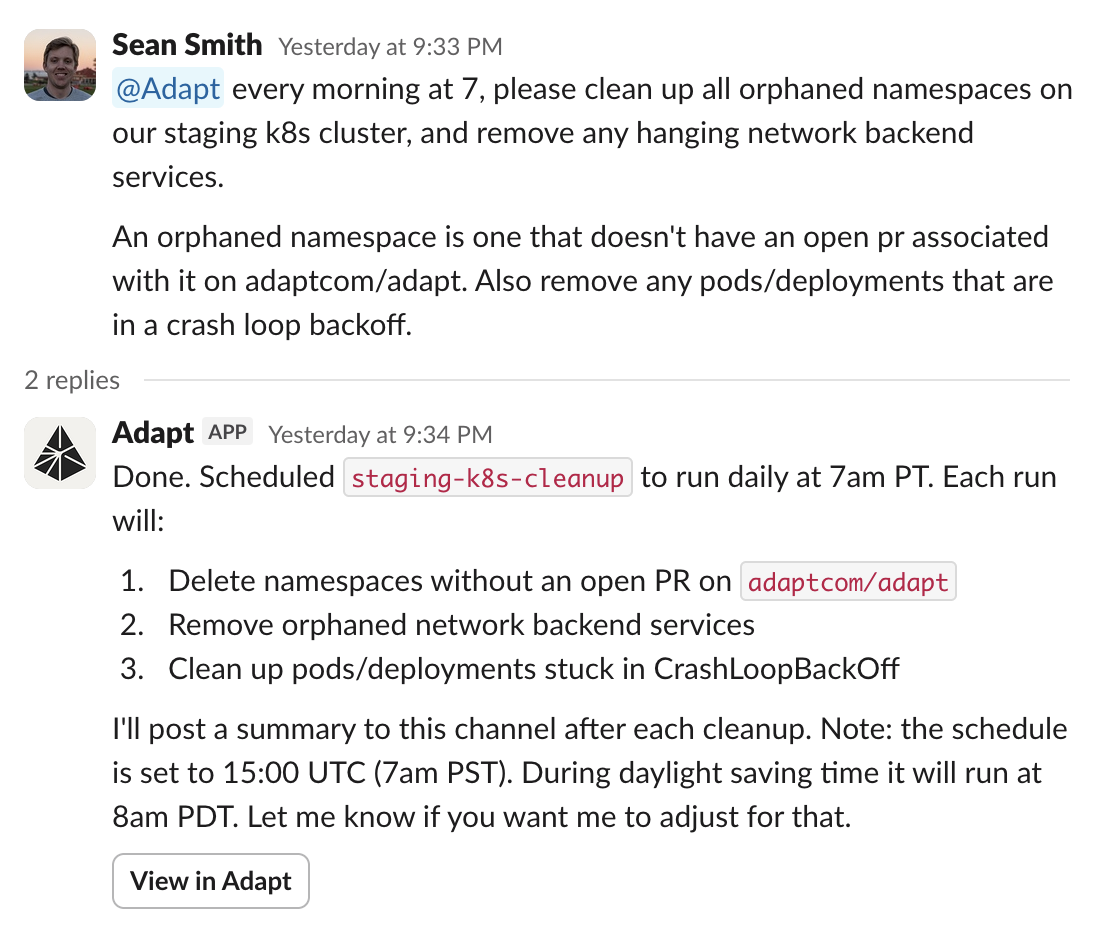
GCP and Slack integration

Examples

BigQuery analytics:
Query our BigQuery dataset for total revenue last month
Infrastructure monitoring:
Check the GCP logs for errors in the last hour
Incident response:
Debug why the production pod is in CrashLoopBackOff
Service status:
What's the status of our Cloud Run services?