

Setup
1
Go to Integrations
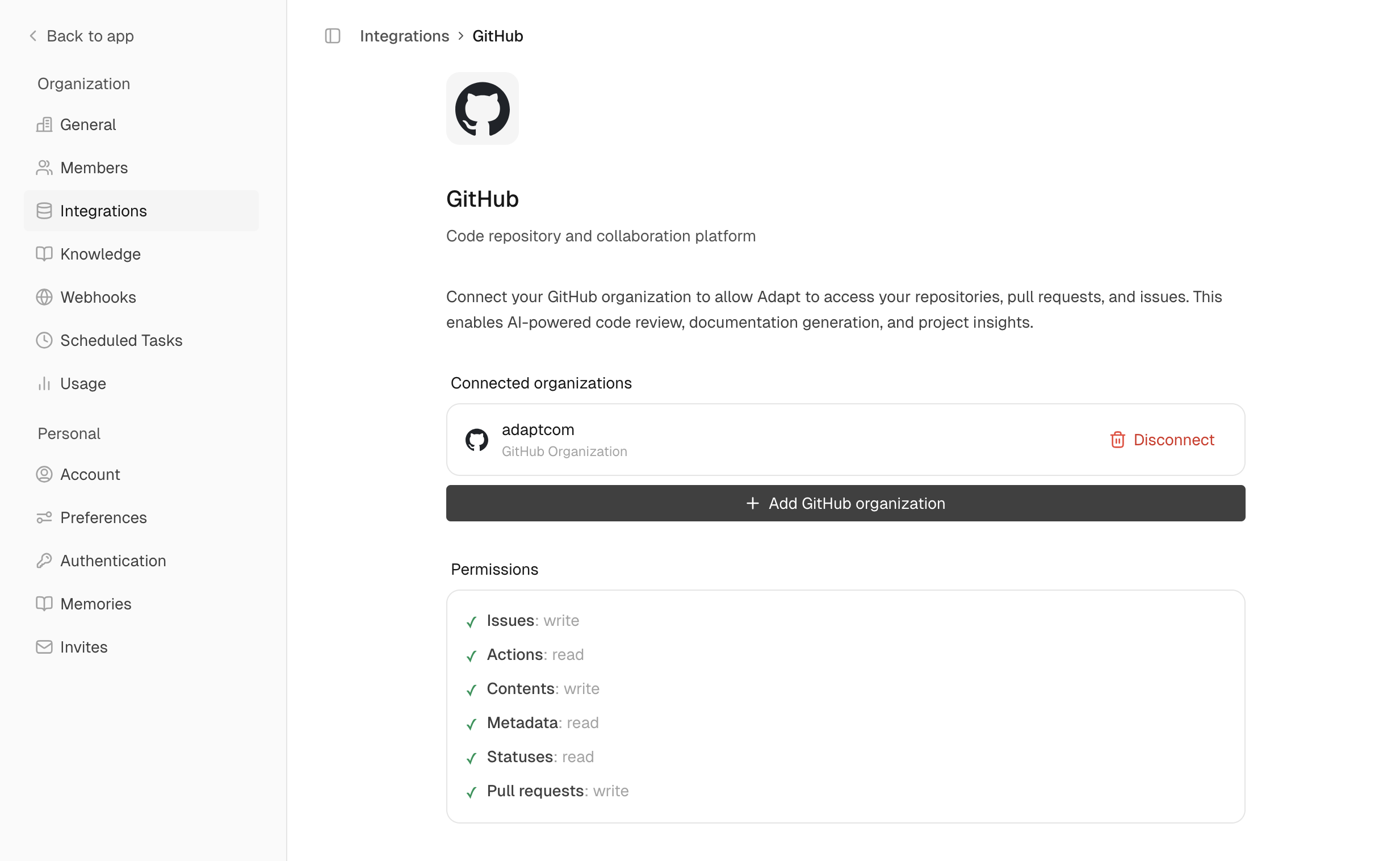
Navigate to Settings > Integrations > GitHub
2
Install GitHub App
Click Connect to install the Adapt GitHub App
3
Select repositories
Choose which repositories Adapt can access
Permissions
The GitHub App requests:- Read access: Code, issues, PRs, commits, actions
- Write access: Issues, PR comments (for creating issues and commenting)
Capabilities
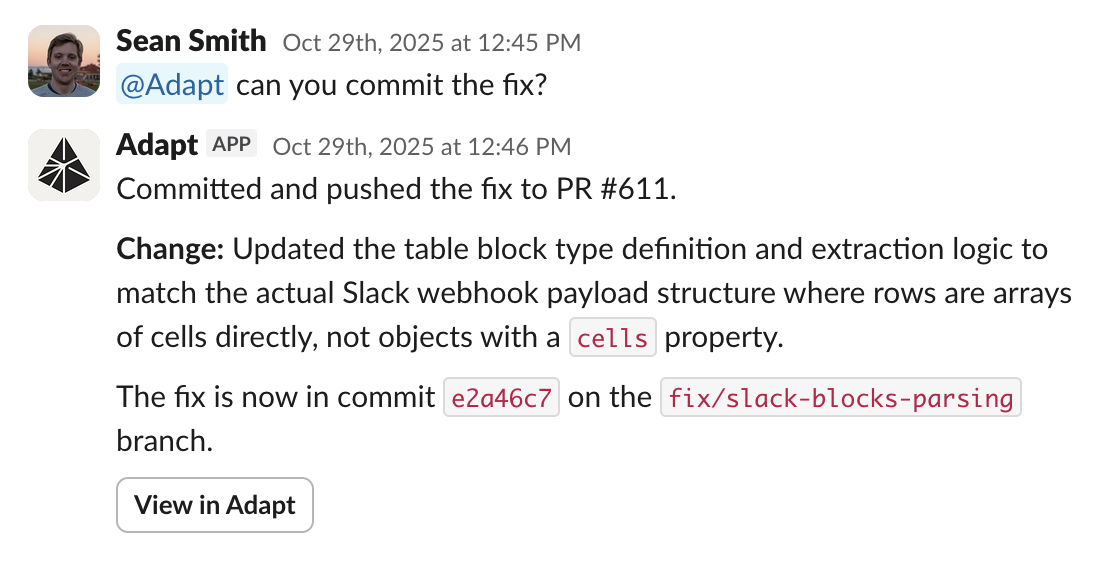
Adapt can access your GitHub data through its sandbox environment, using the GitHub CLI (gh) and REST API. Open PRs, review code, and more.
Examples
Understand your codebase:Automated PR reviews
Once GitHub is connected, Adapt reviews your pull requests automatically. When a PR is opened — or a draft is marked ready for review — Adapt reads the diff and posts a review straight to GitHub, no @-mention required. Each review includes:- Confidence Score (0–5) — how safe the change is to merge at a glance.
- Summary — what the PR does and whether it’s correct.
- Important Files Changed — a per-file overview of what changed and any concerns.
- Inline findings — actionable comments anchored to specific lines in the diff.
Gate merges with the Adapt Review check
Each automated review runs as a GitHub check named Adapt Review on the PR’s head commit. The check passes when the review’s confidence score is 3/5 or higher, fails below that, and concludes as neutral when a review is skipped or doesn’t produce a verdict — neutral never blocks a merge. To require it before merging:- In your repository, go to Settings > Rules > Rulesets and create a branch ruleset targeting your default branch.
- Enable Require status checks to pass.
- Click Add checks and select Adapt Review.
Automated reviews run for repositories your GitHub installation can access. If you connected GitHub before this shipped, reconnect so Adapt picks up pull request events.