Setup
The fastest way to connect is OAuth. Sign in with a Google account that has access to your GA4 properties and Adapt handles the rest.1
Go to Integrations
Navigate to Settings > Integrations > Google Analytics
2
Add a connection
Click Add to start the OAuth flow
3
Authorize on Google
Sign in with a Google account that has access to your Google Analytics properties and approve read-only access. Adapt stores the connection and refreshes the token automatically.
4
Test the connection
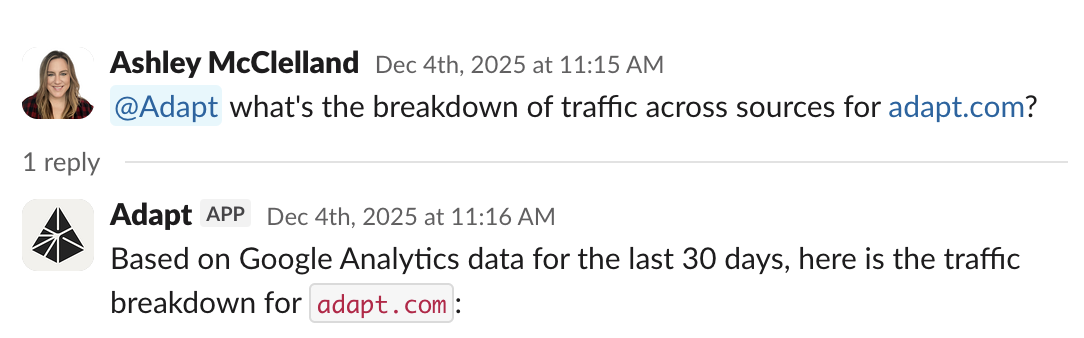
Ask Adapt about your website traffic
analytics.readonly) and shared across your organization. Adapt can read every GA4 property the connected account can access and picks the right property based on your question — there’s no property ID to configure.
Connect with a service account
Prefer to use a service account, or need a connection that isn’t tied to a personal Google login? You can still connect Google Analytics with a service account key.1
Create a service account
- Go to Google Cloud Console
- Create or select a project
- Enable both of these APIs:
- Go to IAM & Admin > Service Accounts
- Create a new service account
- Download the JSON key file
2
Grant access in GA4
- Open your Google Analytics property
- Go to Admin > Property Access Management
- Add the service account email as a Viewer
3
Go to Settings
Navigate to Settings > Integrations in Adapt
4
Add the secrets
Add the following secrets:
5
Test the connection
Ask Adapt about your website traffic
Capabilities
Adapt can query your Google Analytics data. Analyze traffic, user behavior, and conversion metrics.