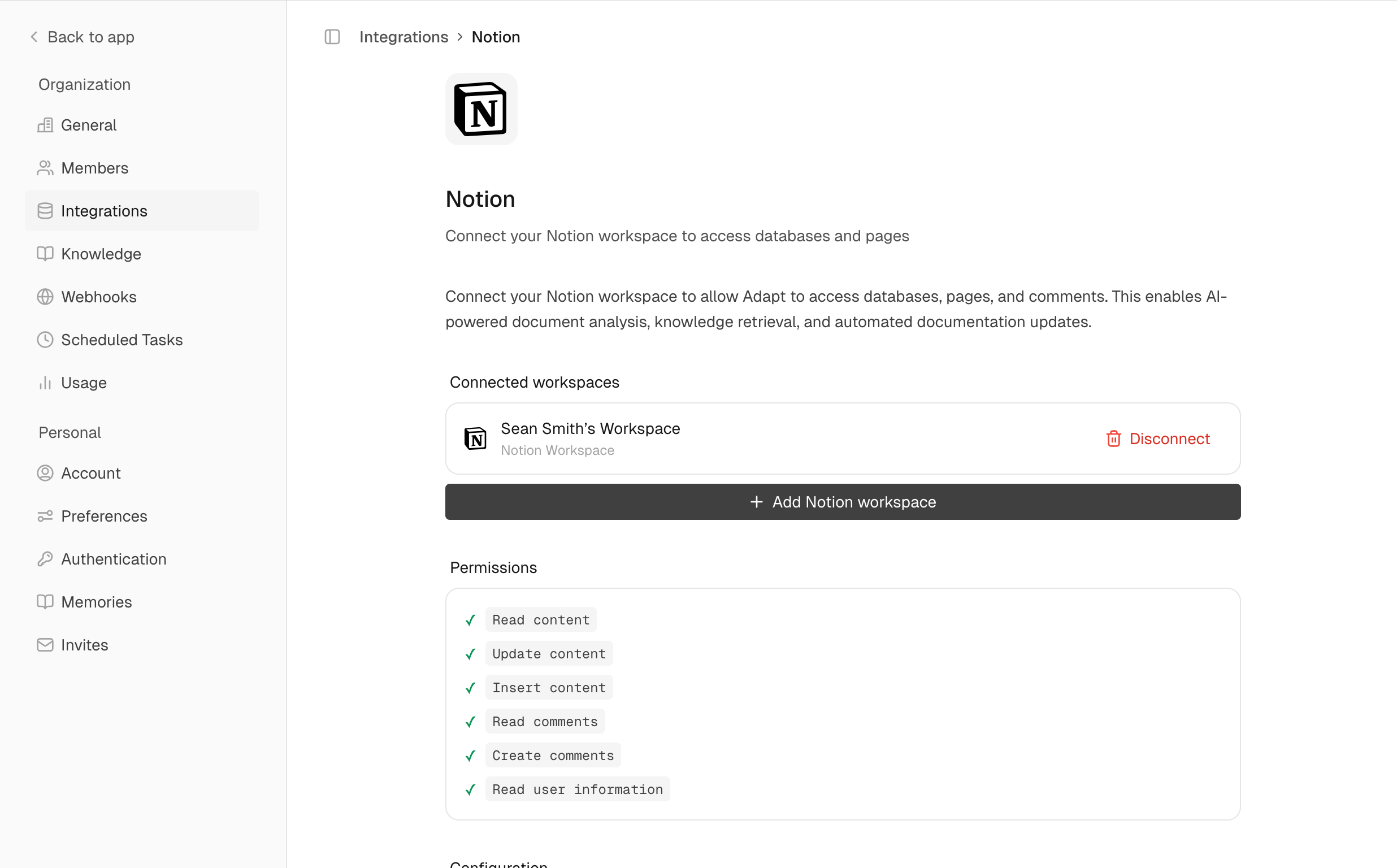
Connect Adapt to Notion to search and read your workspace documentation.
Setup
Go to Integrations
Navigate to Settings > Integrations > Notion
Authorize
Click Connect and select which pages and databases to share
When connecting, you’ll choose which Notion pages Adapt can access. You can update this later in Notion’s settings.
Capabilities
Adapt can interact with your Notion workspace. Search pages, read content, and
query databases.
Examples
Find documentation:
Find the onboarding documentation in Notion
Query databases:
What's in our product roadmap database?
Search for content:
Search Notion for the API documentation