Documentation IndexFetch the complete documentation index at: /docs/llms.txtUse this file to discover all available pages before exploring further.
Fetch the complete documentation index at: /docs/llms.txt
Use this file to discover all available pages before exploring further.
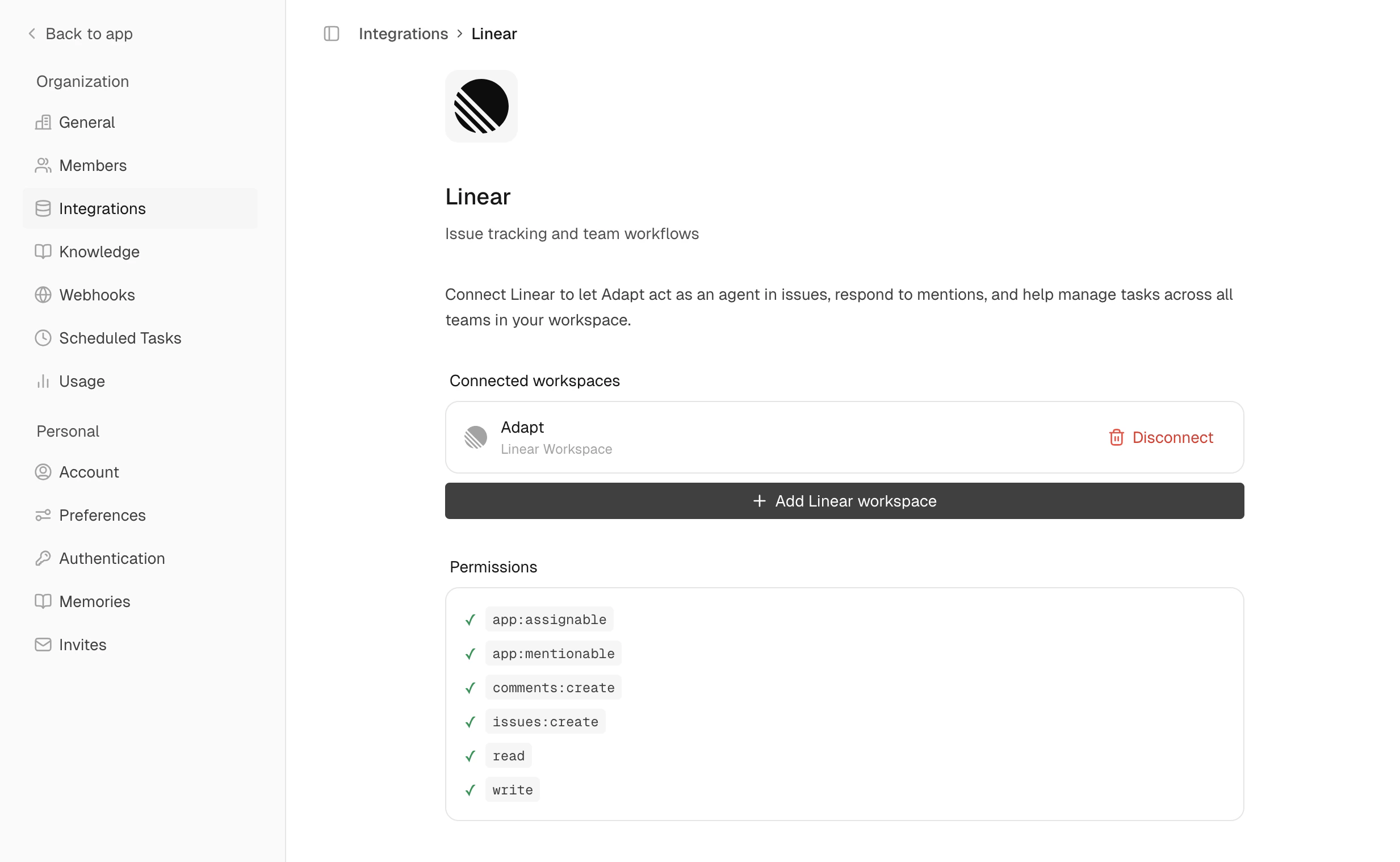
Connect Linear for issue tracking and project management
Go to Integrations
Authorize
How many open bugs do we have in the ENG project?
Create an issue for adding OAuth support, priority high
Comment on ENG-289 that the fix is deployed