

Adapt can now respond in Slack without being @-mentioned. Set a plain-English policy on any channel or thread, and Adapt will decide in milliseconds whether each new message warrants a reply.
This unlocks a class of workflows that were previously impossible without an explicit trigger: autonomous bug triage in #bugs, customer support drafts in shared channels, keeping docs and the changelog updated alongside release announcements, and proactive nudges in any thread you point Adapt at.
How it works
Every channel and thread has a trigger mode. By default, every channel and thread stays in @-mention only mode — exactly the behavior that already existed. Adapt only responds when you tag it. Nothing changes until you explicitly opt a scope into one of the new modes:
- Smart — You write a one-line policy in plain English (e.g. "respond to top-level messages reporting a bug, skip emoji-only replies"). For each new message, a fast judge model evaluates the message + surrounding context against your policy and decides whether Adapt should respond.
- Always respond — Adapt replies to every message in the scope. Useful for dedicated agent channels.
Modes can be set at the channel level or overridden per thread. Thread-level settings take precedence.
Setting a policy
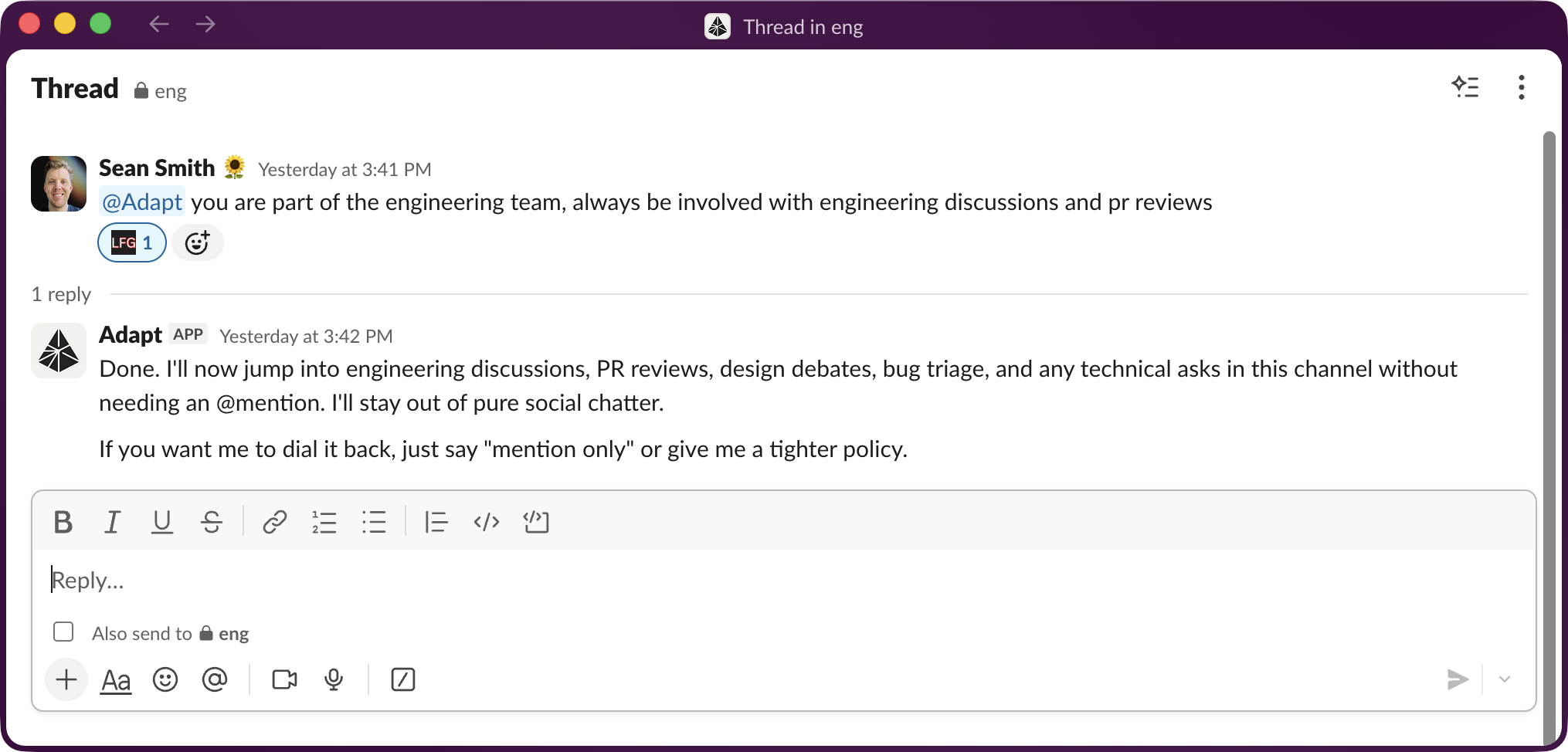
Just tag @Adapt in the channel or thread and describe when it should chime in:
@Adapt respond to any top-level message reporting a bug, but skip
casual chatter and emoji reactions.
Adapt confirms the new mode and policy in-thread. Change or revert it any time by tagging Adapt again.
Policies can be as broad or as narrow as you want. A useful pattern for busy general or team channels is to scope behavior by message location:
"Only reply as a top-level message when you're tagged. In a thread, reply to messages — but only ones where it's clear humans aren't talking to other humans."
This keeps Adapt out of side conversations between teammates while still letting it pick up on threads where someone is clearly asking the room or the bot a question.
Use cases
Smart mode is most powerful when paired with skills and scheduled tasks. A few patterns we're seeing:
- Bug triage — Smart policy in
#bugsplus a triage skill: Adapt reproduces the issue, files a Linear ticket, and replies with the link. - Keep docs in sync with releases — Smart policy in your release-announcement channel: every time someone posts that a feature shipped, Adapt updates the public docs and adds a changelog entry, then opens a draft PR for review.
- Customer support — Smart policy in a shared support channel plus your Zendesk or Intercom integration: Adapt drafts a contextual reply for the on-call to review.
- On-call assist — Smart policy in an incident or alerts channel: Adapt pulls relevant logs, recent deploys, and Sentry context the moment an alert lands.
- Sales signal capture — Smart policy in a prospect or deal channel: Adapt logs notable updates to HubSpot and flags follow-ups when a customer mentions a competitor or a contract milestone.
Availability
Proactive agent mode is live for every workspace with the Slack integration connected. See the Slack app docs for the full setup.