

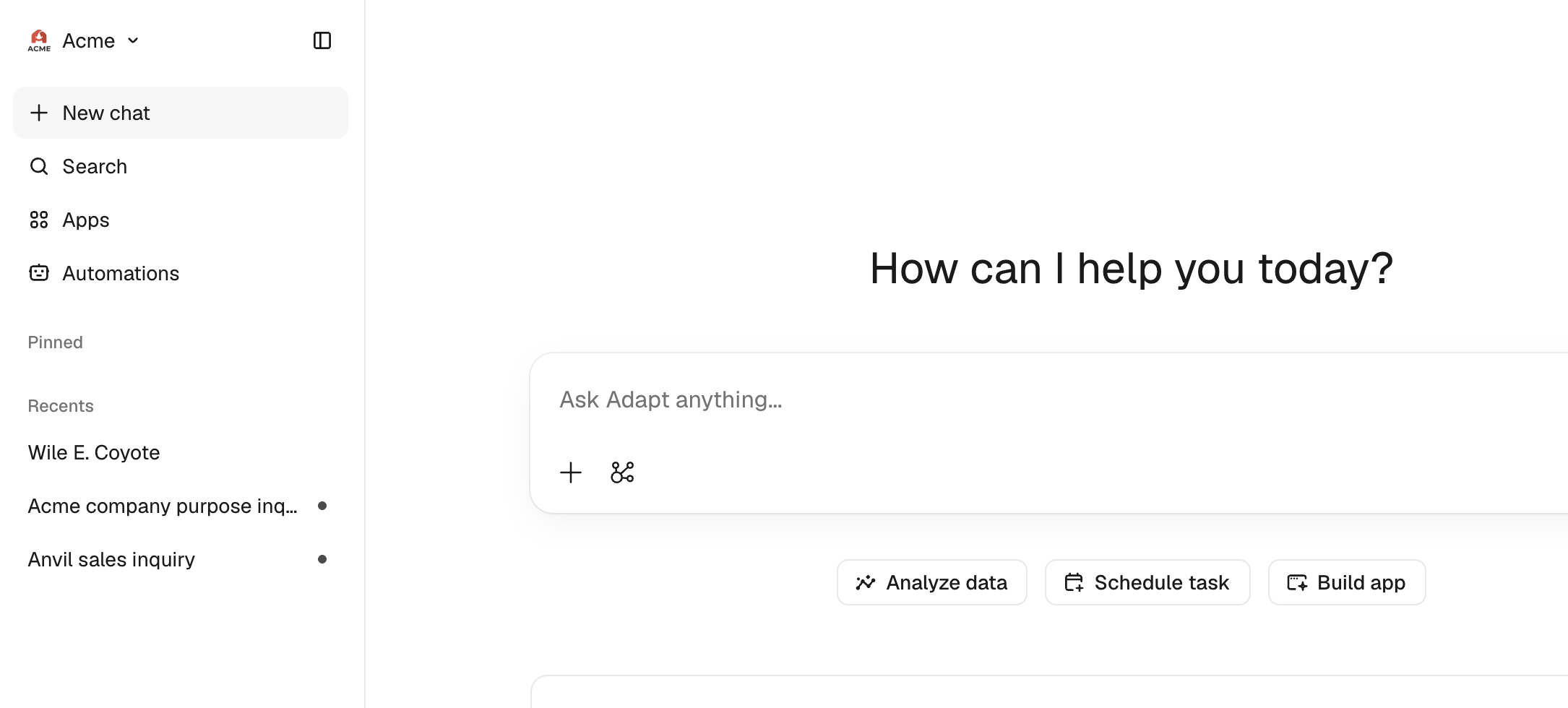
Adapt now shows your organization's logo instead of a generic mark. Upload it once and it sits next to your organization name at the top of the sidebar, so the coworker your team works with every day looks like it belongs to your company.
Add your logo
- Open the workspace menu from your organization name at the top of the sidebar and click Settings.
- In the General section, click the logo tile next to Logo.
- Pick a JPEG, PNG, or WebP image up to 5MB.
Your logo appears in the sidebar immediately. To go back to the default, click the trash icon next to the tile.
How it works
There's no crop step. Adapt bounds the image to 256px on its longest side and keeps the original aspect ratio, so wordmark-shaped logos stay wide instead of being squeezed into a square. Logos are stored as PNG, so transparent backgrounds stay transparent.
Only organization owners and admins can upload or remove a logo. Everyone in the organization sees it.