


Two features that make Adapt fit how your organization is actually structured: groups let you model your teams inside Adapt, and policies let you write granular, per-integration access rules in plain English.
Groups
Create a group for any team — Engineering, Finance, Marketing — give it a name and an icon, and assign an owner. Groups become the building block for sharing and access: share an integration connection with a group and only its members can use it, or reference a group by name when you write an access policy.
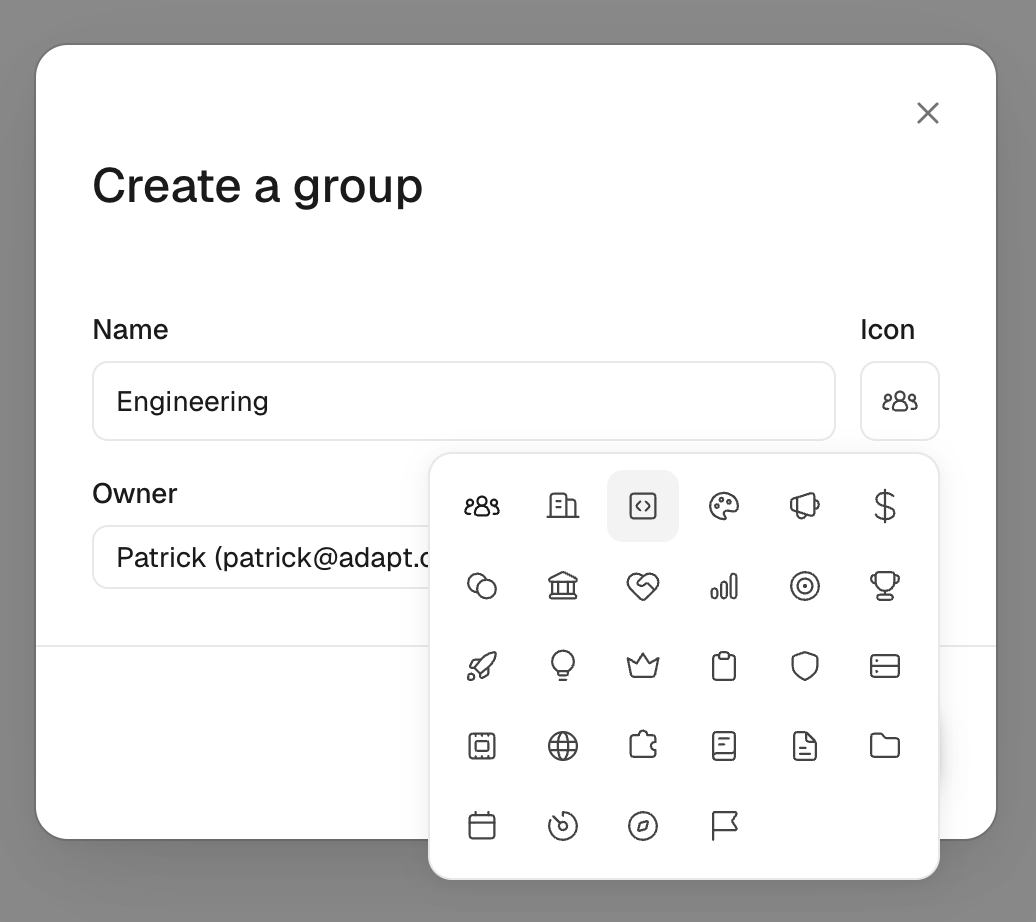
Manage groups under Settings > Groups. Org owners and admins are always group admins. Groups can also be synced automatically from your identity provider so membership stays in step with your directory.
Policies
Policies are natural-language access rules for a connected integration. Instead of wrestling with a permissions matrix, you tell Adapt what you want in chat:
Only members of the Engineering group can write to our GitHub repos;
everyone else has read-only access.
Adapt resolves the people and groups you named, restates the rule faithfully, and shows a confirmation card. Click Save and the rule takes effect.
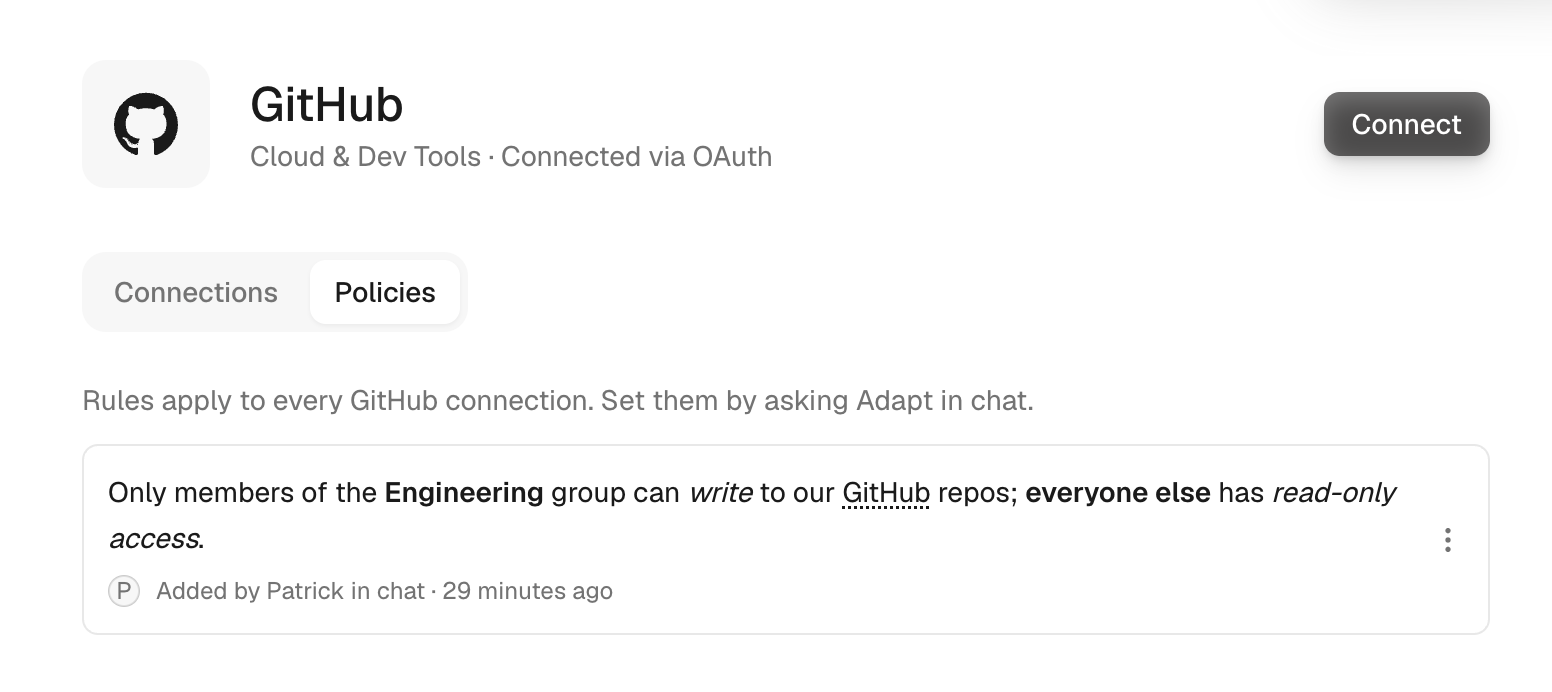
Rules are scoped per provider, so one rule set covers every connection of that integration. They can target specific resources and operations — repositories, branches, Slack channels, database datasets, tables, even individual columns — and Adapt enforces them at runtime on every agent action, applying the most specific matching rule.
View, edit, and remove rules under the Policies tab on any integration's page in Settings > Integrations, or just ask Adapt in chat. Only org owners and admins can author policies.