


You can now connect Shopify to Adapt through your own OAuth app. Save your app credentials once, then authorize one or more stores over OAuth without copying or rotating Admin API access tokens.
How it works
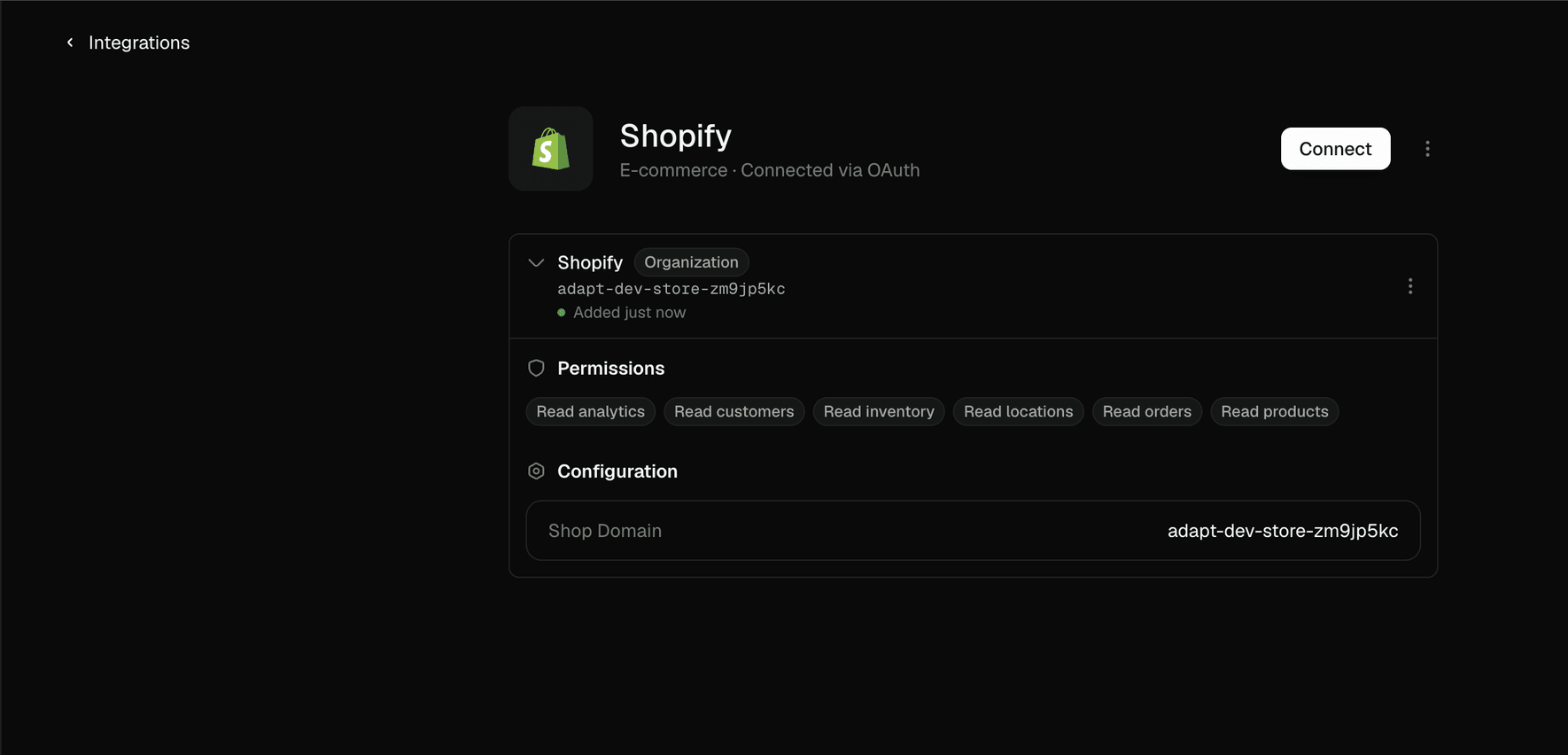
Bring your own app. Create a custom-distribution app in the Shopify Dev Dashboard and choose the read permissions Adapt can use, including orders, products, customers, inventory, locations, and analytics.
Set it up once for your organization. Go to Settings → Integrations → Shopify, enter the app's Client ID and Client Secret, and save the credentials. Adapt encrypts them at rest and uses them for your organization's Shopify connections.
Connect each store over OAuth. Click Connect, enter the store's myshopify.com domain, and approve access in Shopify. The connection appears in Adapt with its permissions and store configuration visible.
Work with live commerce data. Ask Adapt to analyze sales, customers, products, inventory, and store performance alongside data from your other connected tools.
See the Shopify integration docs for the full setup.