


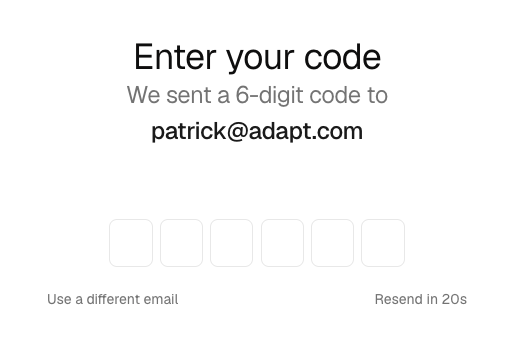
Signing in to Adapt no longer relies on a magic link. Enter your email, and Adapt sends a one-time 6-digit code. Type it in to sign in. The same flow works for new sign-ups and returning users.
Why we changed it
Enterprise email security tools (Microsoft 365 Safe Links, Mimecast, Proofpoint) scan links by opening them in a headless browser. For single-use magic links, that scan consumed the link before the recipient could click it, producing an "invalid or expired" error even when people clicked within seconds. A short code you type in is immune to link scanning, so sign-in now works reliably on locked-down corporate inboxes.
How it works
- Go to app.adapt.com and enter your email.
- Check your inbox for a 6-digit code.
- Enter the code to sign in.
If a code doesn't arrive, use Resend to request a new one, or Use a different email to start over.