


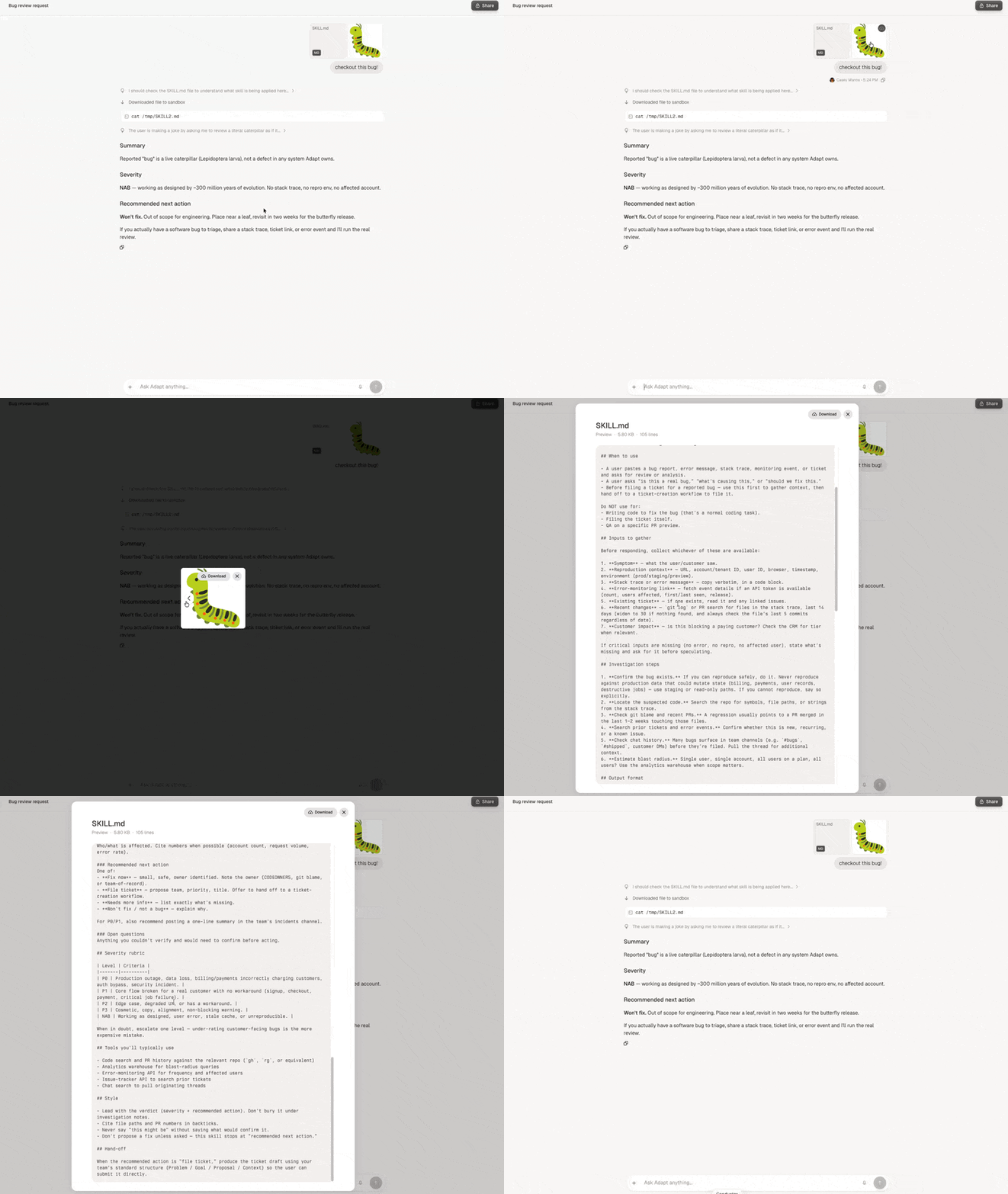
Files and images you upload or generate now render with proper thumbnails and open into a full preview right inside the chat. No more downloading a file just to see what it is.
What changed
- Images display as previews throughout the chat. Images, PDFs, and other supported files show a real preview tile instead of a generic icon.
- Inline previews. Click any attachment to open it in a full-size modal without leaving the conversation.
- Carousel navigation. Use the arrow keys or on-screen buttons to flip through every attachment in a message as a carousel. Useful when uploading a batch of files or viewing a shared chat.
- Fix: Stable file order. The order you uploaded files in is the order they appear, both in the message and in the carousel.