

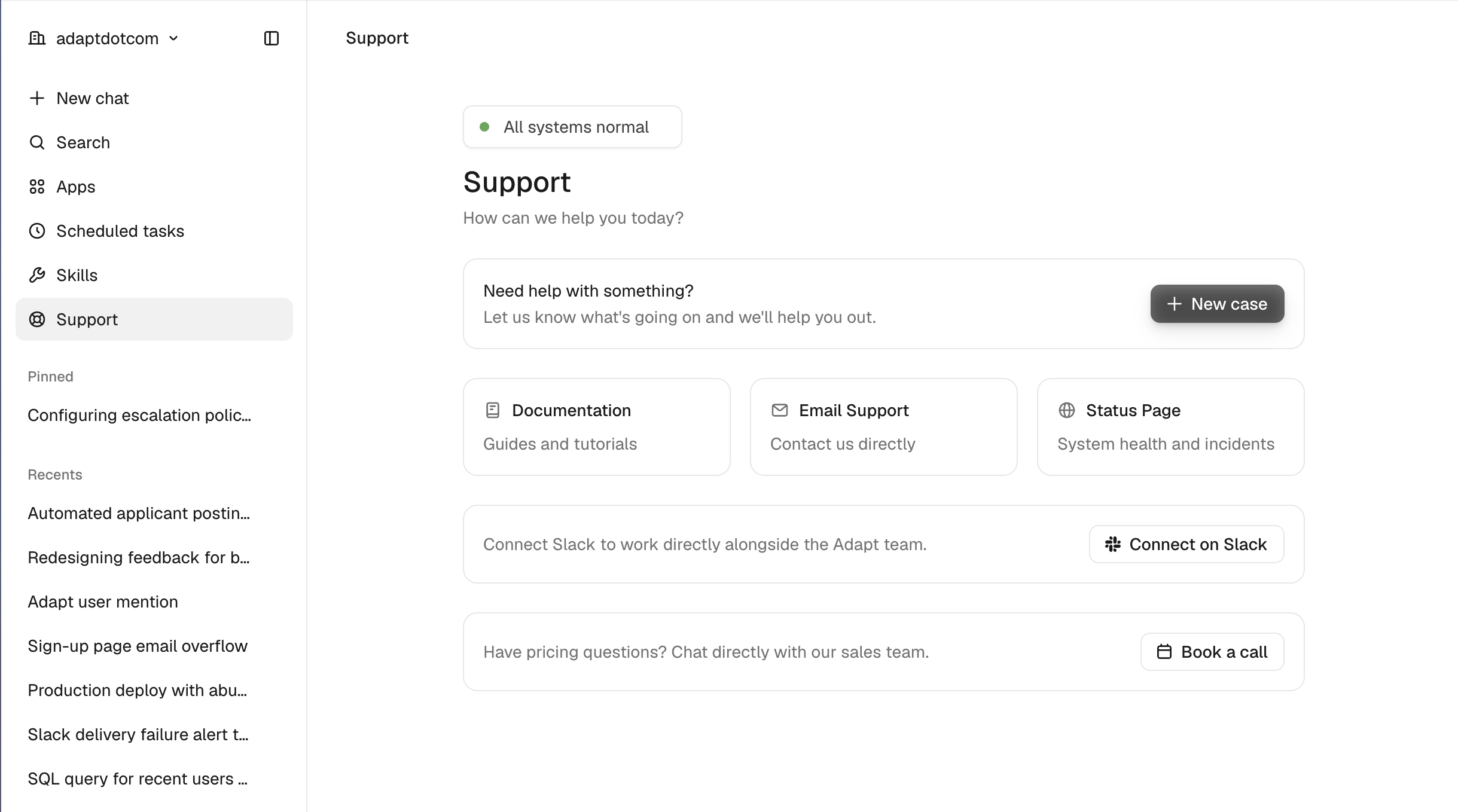
The Support page in the sidebar is now the one place to get help. It shows live system status, lets you open a support case in a couple of clicks, and links straight to docs, email, the status page, and the sales team. This replaces the rarely-used Feedback button, which has been removed.
What's on the page
- System status — a pill at the top reflects live status. When everything is healthy it reads All systems normal; during an incident it surfaces the active incident and links to the status page.
- Open a case — click New case, add a subject and description, and submit. The Adapt team picks it up and replies by email.
- Quick links — cards for Documentation, Email Support (pre-filled with your organization details), and the Status Page.
- Slack Connect — if your workspace has the Slack integration connected, request a shared Slack Connect channel to work alongside the Adapt team directly.
- Talk to sales — have pricing questions? Book a call with the sales team without leaving the app.
Why we changed it
The old Feedback button saw little use and overlapped with several other paths to reach us. Consolidating everything onto the support page makes it obvious where to go when you need help — whether that's a bug, a question, an incident, or a pricing conversation.