> ## Documentation Index
> Fetch the complete documentation index at: https://adapt.com/docs/llms.txt
> Use this file to discover all available pages before exploring further.
# Notion
> Connect Notion for docs and wikis
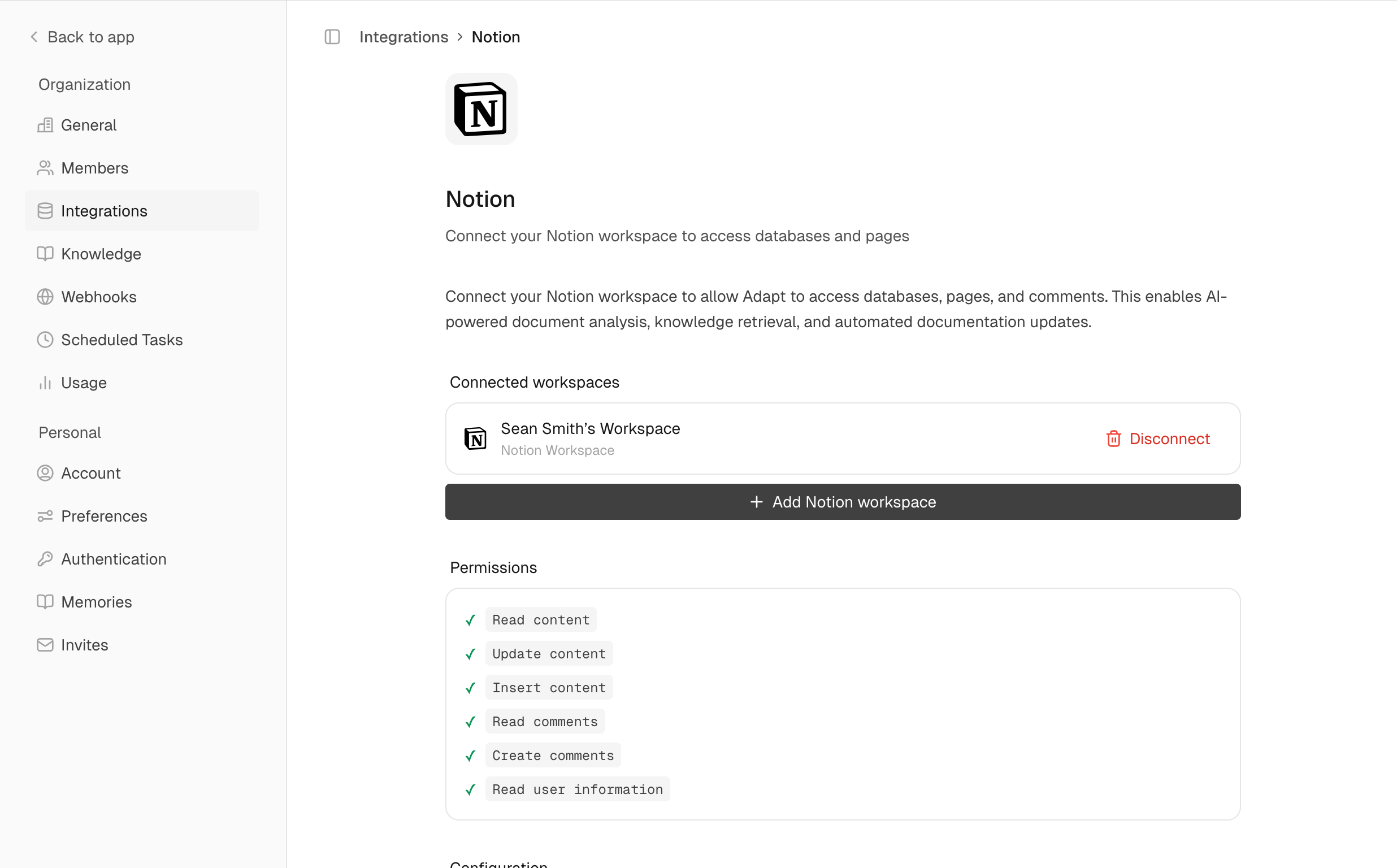 Connect Adapt to Notion to search and read your workspace documentation.
## Setup
Navigate to **Settings > Integrations > Notion**
Click **Connect** and select which pages and databases to share
When connecting, you'll choose which Notion pages Adapt can access. You can update this later in Notion's settings.
## Capabilities
Adapt can interact with your Notion workspace. Search pages, read content, and
query databases.
### Examples
Find documentation:
```
Find the onboarding documentation in Notion
```
Query databases:
```
What's in our product roadmap database?
```
Search for content:
```
Search Notion for the API documentation
```
Connect Adapt to Notion to search and read your workspace documentation.
## Setup
Navigate to **Settings > Integrations > Notion**
Click **Connect** and select which pages and databases to share
When connecting, you'll choose which Notion pages Adapt can access. You can update this later in Notion's settings.
## Capabilities
Adapt can interact with your Notion workspace. Search pages, read content, and
query databases.
### Examples
Find documentation:
```
Find the onboarding documentation in Notion
```
Query databases:
```
What's in our product roadmap database?
```
Search for content:
```
Search Notion for the API documentation
```