> ## Documentation Index
> Fetch the complete documentation index at: https://adapt.com/docs/llms.txt
> Use this file to discover all available pages before exploring further.
# Linear
> Connect Linear for issue tracking and project management
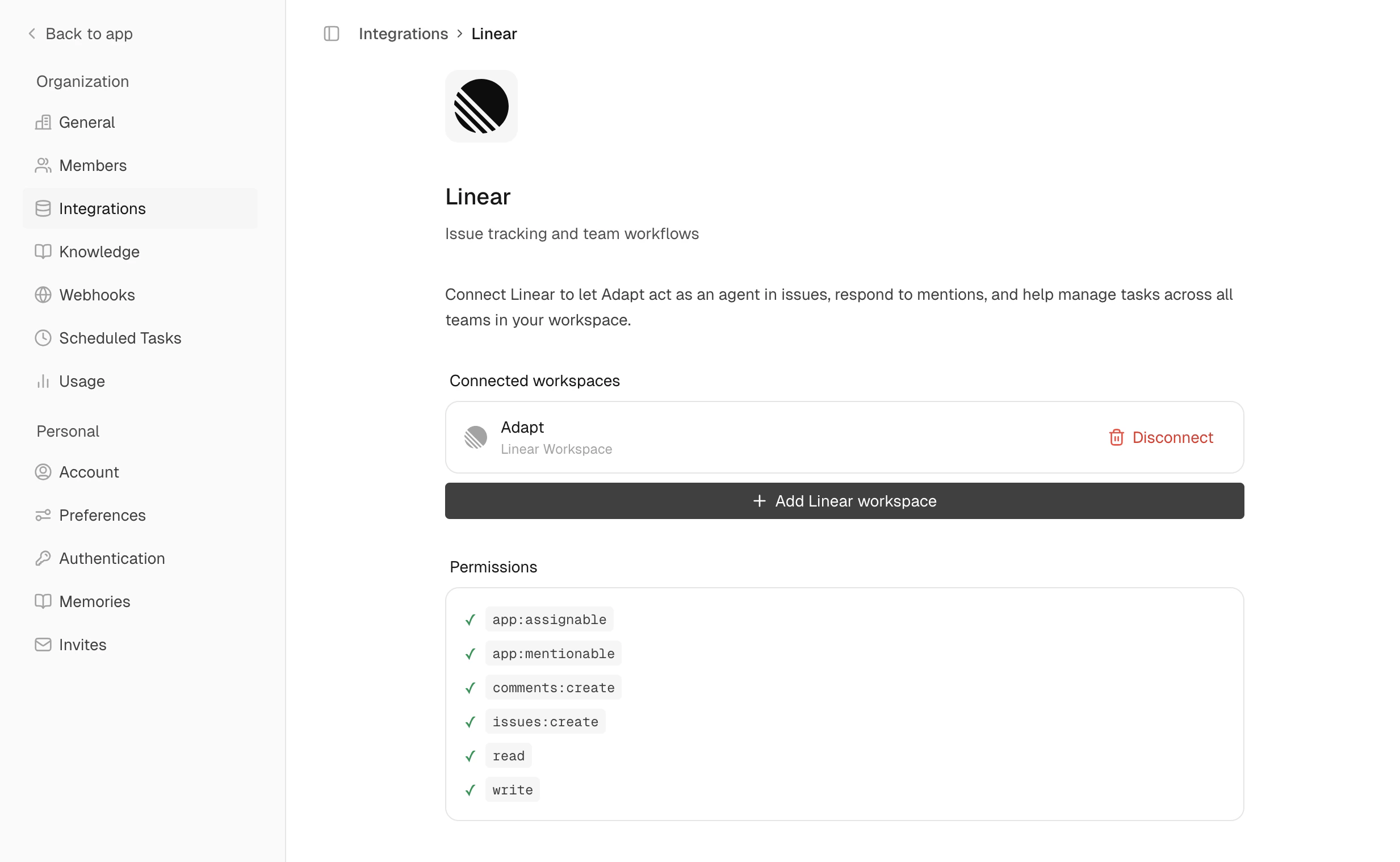 Connect Adapt to Linear to search, create, and update issues directly from conversations.
## Setup
Navigate to **Settings > Integrations > Linear**
Click **Connect** and authorize Adapt in Linear
## Capabilities
Adapt can access your Linear workspace using Linear's API. Create, update, and
close issues directly through Adapt.
### Examples
Search and analyze issues:
```
How many open bugs do we have in the ENG project?
```
Create new issues:
```
Create an issue for adding OAuth support, priority high
```
Update existing issues:
```
Comment on ENG-289 that the fix is deployed
```
Connect Adapt to Linear to search, create, and update issues directly from conversations.
## Setup
Navigate to **Settings > Integrations > Linear**
Click **Connect** and authorize Adapt in Linear
## Capabilities
Adapt can access your Linear workspace using Linear's API. Create, update, and
close issues directly through Adapt.
### Examples
Search and analyze issues:
```
How many open bugs do we have in the ENG project?
```
Create new issues:
```
Create an issue for adding OAuth support, priority high
```
Update existing issues:
```
Comment on ENG-289 that the fix is deployed
```